ARTICLE
How to choose the right eufy Security Camera for your home
Published Jun 17, 2026 • Updated Sep 22, 2026 - 4 min read
Choosing the right eufy security camera for your home means weighing up power sources, connection types, and the specific areas you want to monitor. This guide breaks down everything you need to know to find the best eufy camera for your needs and budget.
Key takeaways from this article
Battery, solar, and hardwired eufy cameras each suit different homes and setups.
HomeBase suits wireless flexibility; PoE/NVR is best for continuous high-definition recording.
Pick your camera based on the size and location of your space. eufy includes all core features and local video storage at no extra cost.
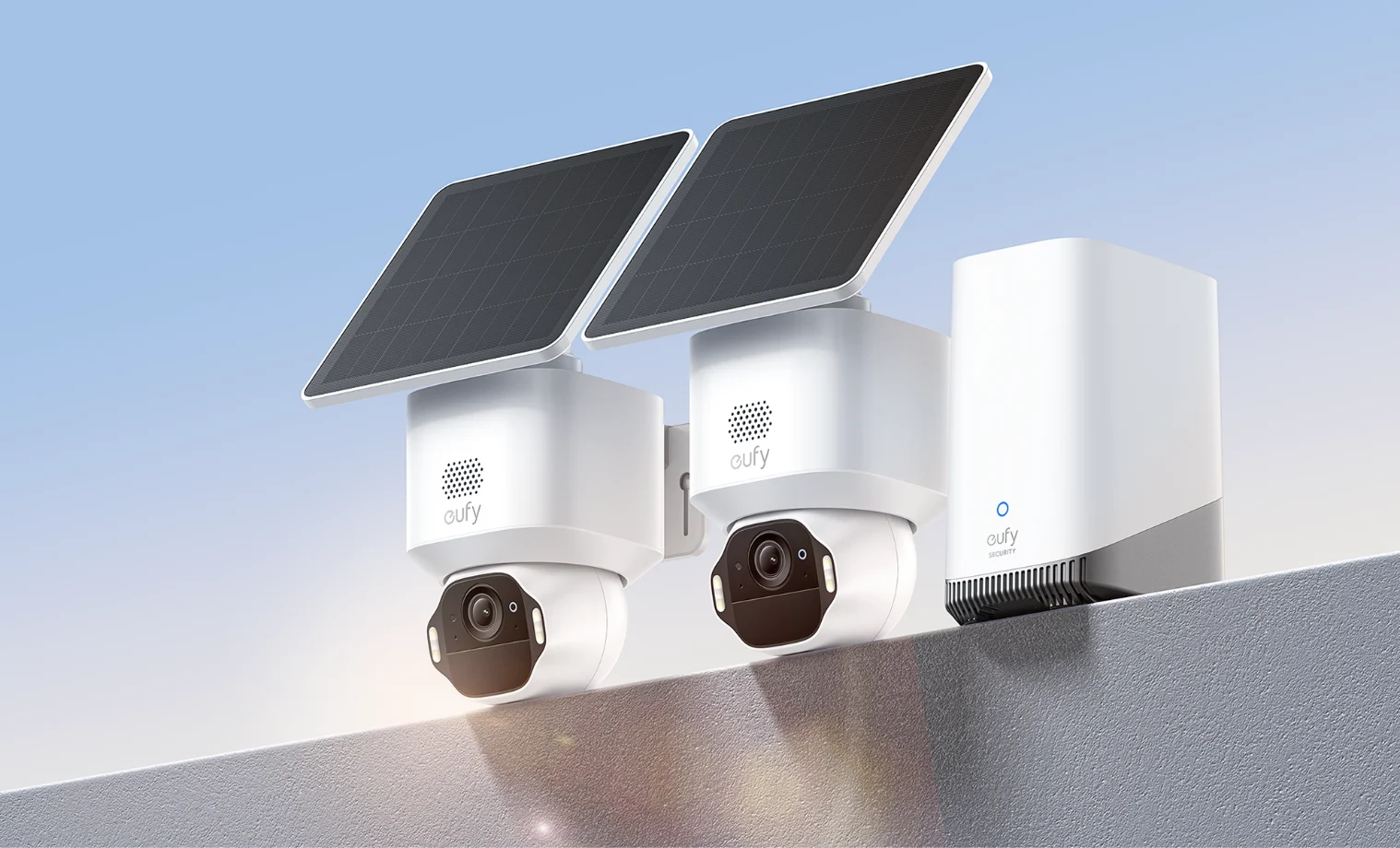
Whether you’re relaxing inside or miles away, keeping a vigilant eye on your property at all hours gives you the reassurance you need to always feel secure. But how do you know which security system is best for the job? Complicated tech jargon can make it feel like a daunting decision, so in this article we break down exactly what you need to know to select the right eufy security camera so you can shop with confidence.
What power source is best for your eufy security cameras?
The way your eufy camera is powered influences where it can be placed, the amount of upkeep it needs, the types of features it can include and how long it can reliably monitor your home.
Here are your options…
Battery-powered security cameras
These are great if you’re renting and don’t have the option to run cables, or if you want a camera that’s easy to move without worrying about sunlight or powerpoints. The wire free, battery charged eufy 2C Pro can last up to 180 days with a single charge while still offering advanced features, such as advanced AI detection. This sends you instant alerts when the cameras spot a human.
Solar-powered security cameras
These are ideal as a set and forget outdoor camera, particularly in remote areas where power sources are limited and collecting battery-operated cameras to charge can become a challenge. The eufycam E40’s inbuilt solar panel needs only two hours of daily sunlight to run around the clock, even boasting MaxColour Night vision so you can see after-dark footage clearly.
“One of the biggest factors in choosing the best Eufy camera for you is where you’re planning to put it. Where your camera’s going affects everything from the features and video quality you want, to the level of weatherproofing you need.
”
David Linehan, The Good Guys Buyer – Tech Accessories
Hardwired security cameras
These models are likely the most reliable option, but that comes with a compromise on set-up convenience. Unless you’re a DIY hero, you’ll likely need a professional to safely wire them up. A hardwired camera enables a range of power-intensive features not possible with other models, such as the 2000 lumen lighting on the eufy Floodlight security camera. With Smart Illumination, you can customise the light to your schedule and needs – set it for motion-activated illumination or ambient lighting.
How to charge eufy cameras?
To charge a eufy security camera, simply remove it from its mount and use the supplied USB cable to plug it into either an outlet using a power adaptor, or directly into your HomeBase hub.
Which connection-type is best for your eufy security cameras?
There are two main options to connect your eufy security cameras : over a Wi-Fi network via a HomeBase hub, or with a Power-over-Ethernet (PoE) connection to a Network Video Recorder (NVR). This may sound like a lot to take in, but it’s simpler than you might think. Let us explain…
The eufy HomeBase hub
This device acts like a dedicated, secure Wi-Fi network for your eufy cameras to connect to instead of your home network.
“This makes the connection more reliable and extends your camera's battery life,” says David Linehan, The Good Guys Buyer – Tech Accessories. “It’s also responsible for video storage and handles the processing required for advanced smart features like facial detection and tracking.”
The benefit of a wireless HomeBase connection is that you don’t need to manually connect your cameras, freeing you up to place them wherever you see fit. When paired with solar-powered cameras like the eufycam E42s, you’re getting the ultimate hands-off security system.
A PoE connection
This means that the transfer of electricity and data are both managed by a single cable, typically running back to a central device called an NVR. Like the HomeBase, this device manages the storage of video footage and handles complex processing tasks.
“A PoE system allows you to be constantly recording and reduces the risk of network issues affecting your footage,” says David. “It can also typically handle higher data transfer rates, allowing for a higher definition picture in some cases.”
How to add a eufy camera to HomeBase?
First, you’ll need to make sure that your camera is compatible with the HomeBase model you have. If you bought them as a package this shouldn’t be an issue, but it’s important to keep in mind for eufy add-on cameras. Once you have your compatible camera, you’ll need to make sure it’s fully charged and place it near the HomeBase, open the eufy security app, go to ‘Add new Device’ and sync.
How to choose the right eufy camera for your space
“One of the biggest factors in choosing the best eufy camera for you is where you’re planning to put it.” says David Linehan. “Where your camera’s going affects everything from the features and video quality you want, to the level of weatherproofing you need.”
For larger areas
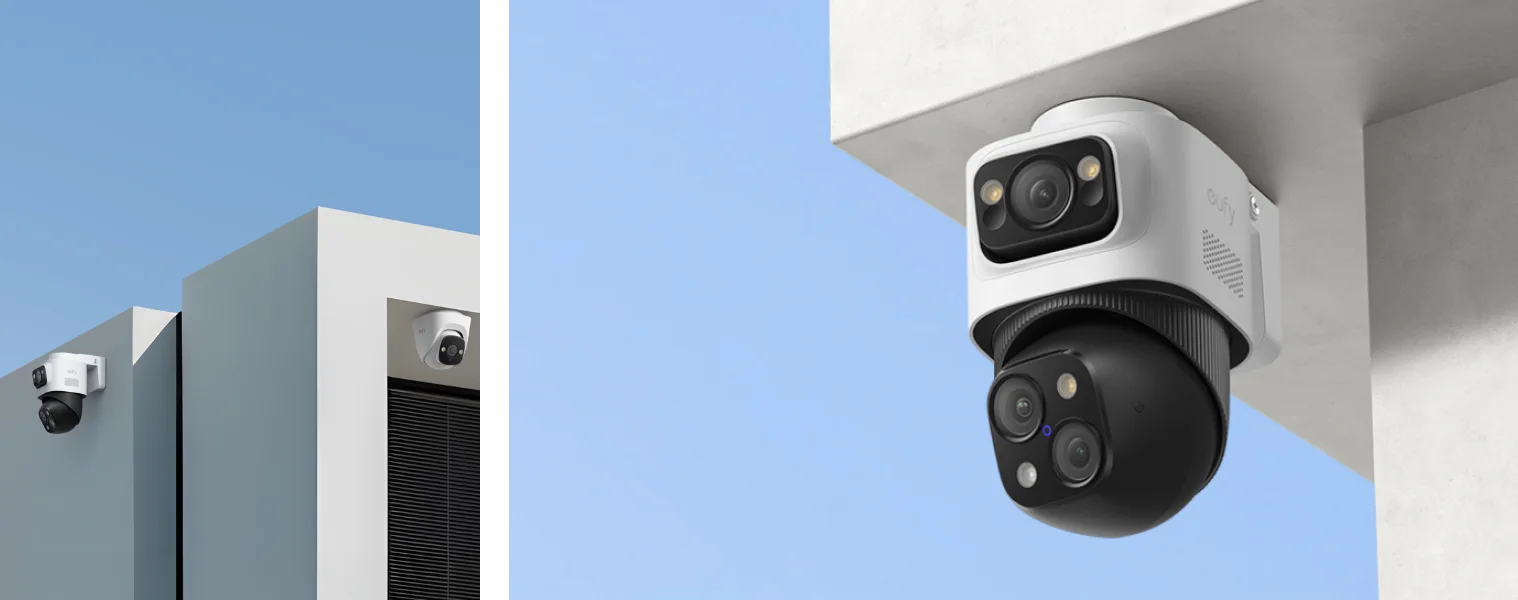
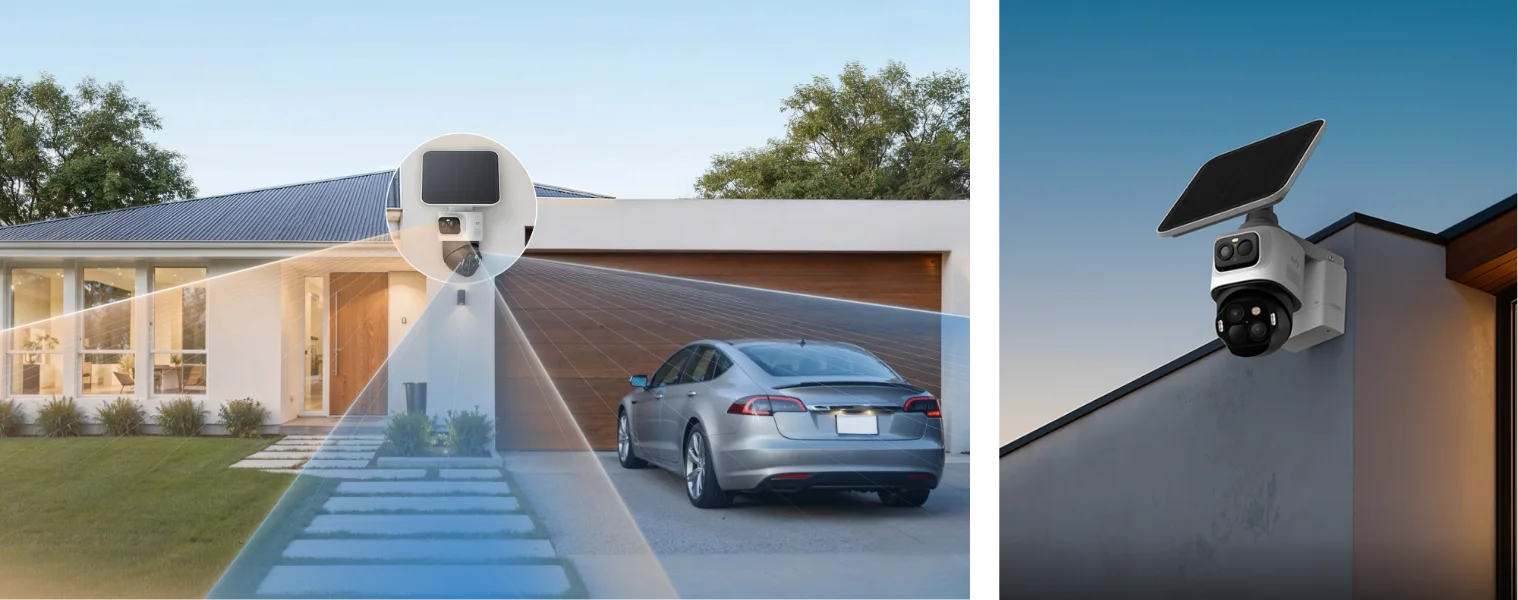
If you want to cover a larger area, such as the front yard, the eufycam S4 4K Security Camera might be best for the job. It comes with a 4K fixed-view bullet lens for fine details, plus a pan, tilt and zoom camera for 360-degree vision and motion tracking. This means you can keep a detailed eye on key areas while still monitoring the whole yard.
For smaller areas
If you’re looking to secure a smaller area, such as the side of your house, an eufycam E40 might be a better fit with its fixed position design, MaxColour night vision and motion detection.
For the front door
If you just want to keep an eye on the front door, eufy offers a range of doorbell cameras with features such as facial recognition and two-way audio so you can answer the door from anywhere.
Does eufy require a subscription?
No. While eufy does offer a subscription model for backup cloud storage, there are no ongoing costs to store video footage locally and operate your cameras with all included features.
Think eufy might be the right fit for your home security system? Find it at The Good Guys! Check out our range of home security cameras in store or online.
FAQs
What is the best eufy security camera for outdoor use?
The best outdoor eufy camera depends on your space. The eufyCam S4 4K suits large areas with its 360-degree pan, tilt, and zoom, while the eufyCam E40 is ideal for smaller zones with its fixed-position design and MaxColour Night Vision.
How long do eufy camera batteries last?
Battery life varies by model, but the battery powered eufy 2C Pro can last up to 180 on a single charge. Solar-powered models like the eufyCam E40 can run continuously with as little as two hours of daily sunlight.
Is eufy security worth it?
Yes. eufy security cameras offer advanced features like AI detection, facial recognition, and two-way audio with no mandatory subscription fees. Combined with flexible power and connection options, eufy delivers reliable home security at a competitive price point.