Sign up to Earn or Access 90 Day StoreCash> here

Sign up to Earn or Access 90 Day StoreCash> here

The Good Guys
Seen it Cheaper?1300 942 765
Preferred Store: loading...

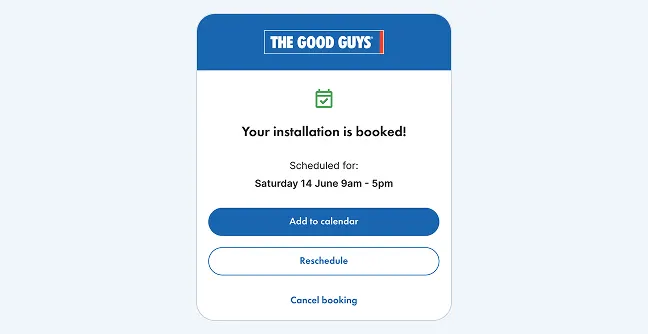
Get all the information you need for your booked installation with The Good Guys TV & Sound Services.
Terms & Conditions

How to access Appointment Assistant

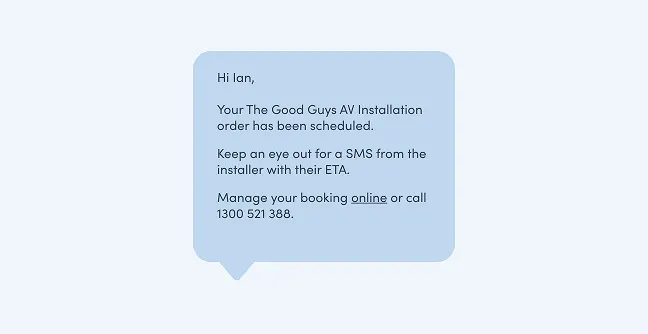
  1. After booking, you’ll receive an SMS confirmation


  2. Tap the link in the message

  3. Your Appointment Assistant will open instantly — no app download required

Tip: Save the message so you can return to your booking anytime.

View and manage your appointment

You can stay updated and in control with Appointment Assistant:

  • See when your job is confirmed and scheduled

  • Add you appointment to your calendar

  • Manage your appointment, including rescheduling or cancelling

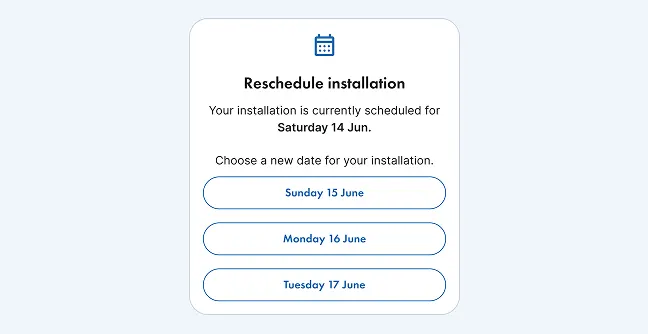
Plans changed?

You can easily update your booking

  • Select a new date that suits you

  • Confirm your booking in just a few taps

  • Call support to add any additional instructions

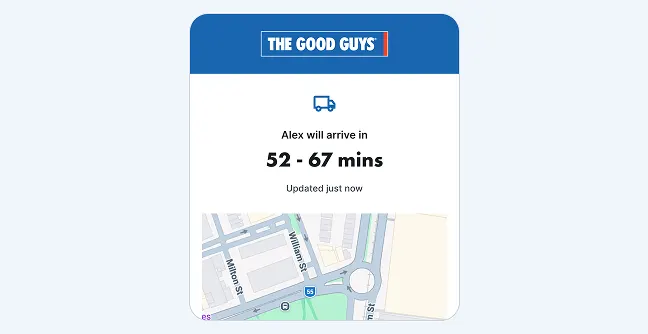
Get live updates on your technician’s arrival

On the day of your installation, you’ll receive live updates through the Appointment Assistant so you can:

  • See who is assigned to your installation

  • Know when they're on their way and track their arrival

  • Contact your technician directly if needed

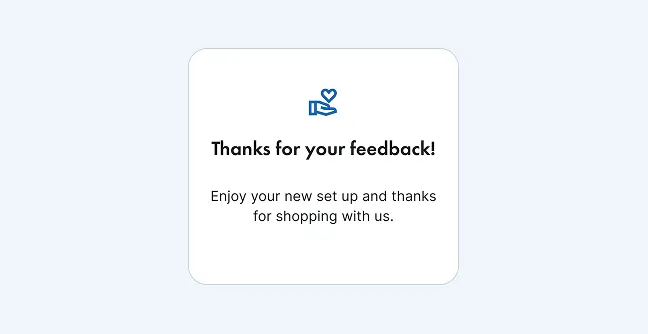
Leave a review about your experience

Had a great service? We’d love to hear from you:

  • We’ll send you an SMS after we have completed your installation

  • Rate your experience in just a few clicks

  • Tell us what went well or how we can improve

Get ready for installation day

As your appointment approaches, Appointment Assistant helps you stay prepared with:

Helpful Tips

  • Keep your phone nearby on installation day for updates

  • Check your appointment status if you haven’t received recent notifications

  • Use the same link anytime to return to your booking

If you need assistance related to your installation appointment, our team is available via phone from 9am to 6pm (AEST).

Ph: 1300 521 388