ARTICLE
How to wall mount a TV the right way
Published Oct 23, 2026 • Updated Nov 17, 2026 - 6 min read
Mounting your TV on the wall is one of the easiest ways to give your living room a sleek, clutter-free look, freeing up floorspace and creating a cinema-style setup. But getting it right takes more than a drill and a steady hand. From choosing the right bracket to finding the perfect height and anchoring it safely, a little planning goes a long way toward a secure, great-looking result. Here’s how to do it.
Key Takeaways
Always match your TV wall bracket to your screen’s exact weight and VESA pattern.
Anchor your bracket directly into wall studs or solid masonry.
Aim for the centre of the screen to sit at seated eye level, or pick a tilting or full-motion TV wall bracket if you have to hang it higher.
If you’re renting, remember to get written landlord approval before wall mounting a TV.
You can skip the DIY hassle entirely by booking The Good Guys Home Services to install your TV for you.
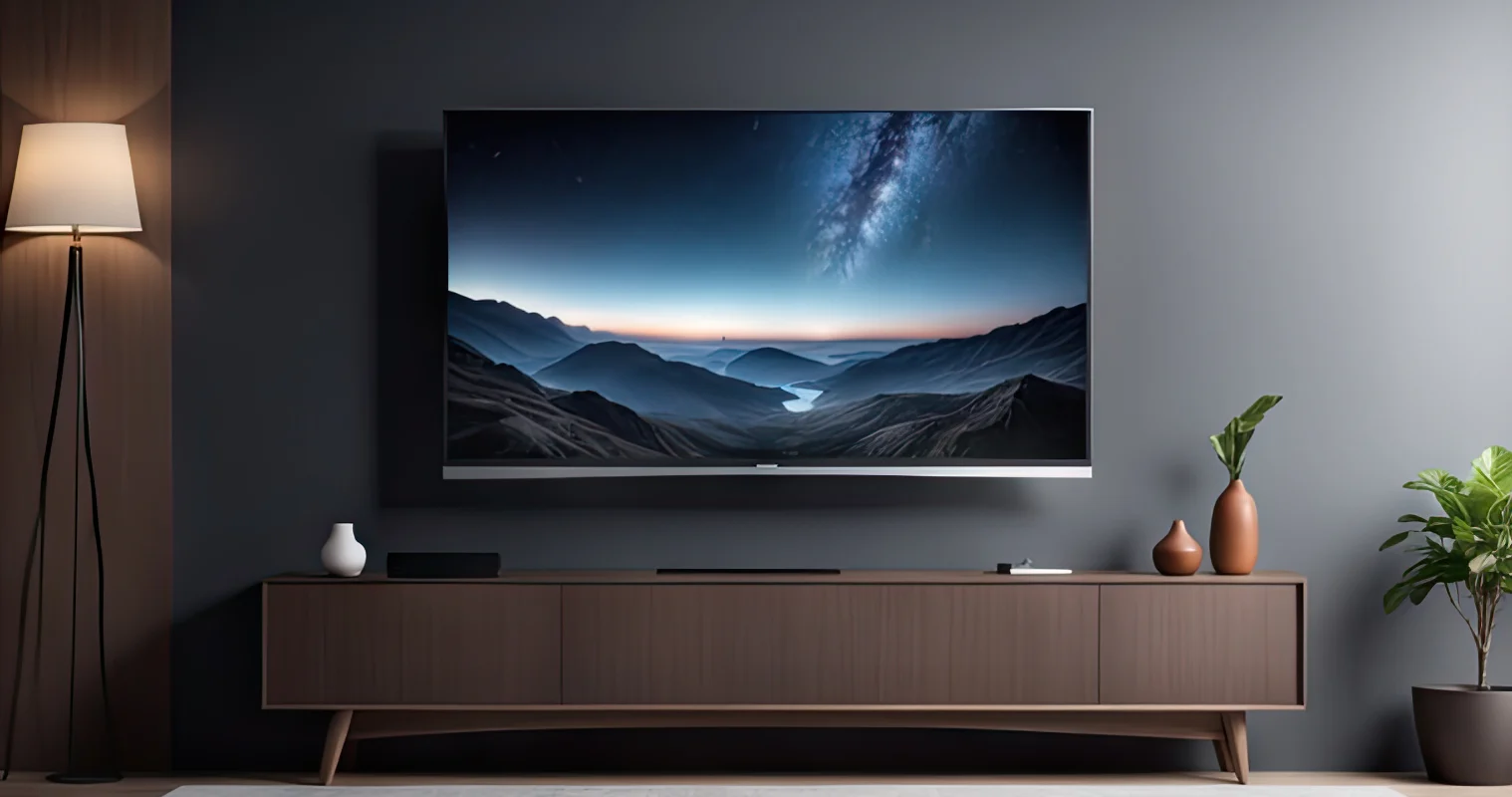
Considering wall mounting your TV to free up floorspace or keep it out of reach of little fingers? Before you start putting holes in your wall, make sure you’ve matched your TV’s VESA mount size and weight to your bracket, and you know your wall type. Here’s everything you need to know to get a perfect wall mount, whether you’re a DIY first-timer or calling in the pros.
VESA Mount Sizes: What VESA Size is my TV?
A TV’s VESA size is the distance (in millimetres) between the four mounting holes on the back of the screen. You can find this by checking your user manual, viewing the specification sheet online, or measuring the distance between the holes yourself. Measure horizontally first, then vertically. For example, if the holes are 400mm apart horizontally and 200mm vertically, you need a 400x200mm bracket.
Refer to this simple guide to make sure you’re on the right track.
TV Size | Typical VESA Pattern*[1] [2] |
32-inch TVs | 100x100 |
48-inch+ TVs | 200x200 |
55-inch+ TVs | 300x300 to 400x400 |
65-inch+ TVs | 600x400 to 800x400 |
*Patterns vary by model, so always check the product specification sheet.
TV Wall Bracket Types explained
To mount your TV, you’ll need a TV wall bracket that matches your panel’s VESA size and attaches it securely to your wall.
What type of TV wall bracket should I get?
The three most common types are:
Fixed TV wall brackets
Tilting TV wall brackets
Full-motion TV wall brackets.
“Your preference will depend on how much movement you need your TV to have,” says Jason Tavoletti, The Good Guys Buyer – Audio Visual and Sound Bars.
“Consider how much glare you’ll need to avoid from windows and overhead lights, and how high you’ll need to mount your TV.”
H3 What's the difference between a fixed, tilting and full-motion TV bracket?
TV Wall Bracket Type | Best For | Motion | Benefits | Wall Clearance |
Fixed brackets | Rooms with a straight-on, eye-level viewing position | No adjustments possible | Most affordable, easiest to install | Sits flush or very close to the wall (typically around 1.5cm to 5cm) |
Tilting brackets | High-mounted TVs or rooms with heavy glare | Up and down tilting only | Reduced screen reflections | Usually protrudes slightly more than a fixed mount to allow for titling motion (3cm to 7cm) |
Full-motion brackets | Open-plan living areas, or rooms where people watch from multiple angles | Maximum flexibility | Easy access to back ports | Sits about 6cm to 11.5cm away from the wall when fully pushed back |
How do I wall mount a TV myself in Australia?
Confident you can wall mount your TV yourself? Here’s a step-by-step guide to follow:
1. Gear up and check the specs
You’ll need a stud finder, power drill, tape measure, spirit level, pencil and screwdriver.
Double-check that your TV’s weight and VESA size match the bracket’s rating – getting this right now saves a headache later.
2. Fit the brackets onto your TV
Lay the TV face-down on a soft blanket to protect the screen.
Line up the vertical mounting arms with the back holes.
Fasten the arms using the supplied bolts, washers and spacers – get them snug, but avoid overtightening.
3. Mark the sweet spot on your wall and locate the studs
Aim for the screen’s centre to sit at eye level (1-1.5m off the floor).
Use a stud finder to locate timber studs, marking their centres with a pencil. For more advice on how high to mount a TV, check out: Where To Put The TV? 6 Layout Mistakes To Avoid.
4. Bolt down the wall bracket
Level the bracket plate at your chosen height
Mark the drill points over the studs and pre-drill pilot holes.
Drive the heavy-duty lag bolts firmly into the timber (use heavy-duty masonry plugs for brick).
5. Hang it up and lock it in
Grab a mate to help safely lift the TV.
Carefully hook the brackets over the top of the wall plate and let the TV settle into place.
Tighten the safety locking screws or click the clips into place at the bottom of the arms so the TV can’t slide or jump off the track.
Plug in your cables and kick back – you’re all set for movie night!


How do I hide TV cables when wall mounting?
To hide your cables, you have two choices:
In-wall concealment: Cut a small entry hole behind the TV and an exit hole near the power outlet to run cables through the wall cavity (ensure you comply with local electrical rules).
Surface cable covers: This is basically hiding the TV cables on the wall. Attach a paintable plastic cable cover over the cords against the wall.
Jason Tavoletti suggests letting the team know if you plan to wall mount, as “customers always forget to factor in cables when they’re choosing a TV for wall mounting”.
“We can show you brands such as Samsung with a One Connect Box that combines all your cables into a single connection hub with a single, slim, near-transparent cable.,” he says.
Should I get my TV professionally installed?
“It’s definitely worth considering, especially for heavy, big-screen TVs,” says Jason. “The Good Guys Home Services can take care of your TV installation from start to finish.”
Discover what’s included in The Good Guys Television Installation Services.
FAQs
Choose a heavy-duty mount rated for at least 20-40kg that supports a 300x300 or 400x400 VESA pattern. Always check your TV manual for exact specs.
We don’t recommend it. Plasterboard alone can’t support a modern TV, and you risk pulling the wall down. Always fix your bracket directly into wall studs.
Renting doesn’t mean missing out! Most Australian states allow minor home modifications, but you still need to lodge a request and get written sign-off from your landlord before drilling into a wall.
Find your perfect TV wall mount at The Good Guys. Visit us in store or online to shop TVs and wall brackets, and check out our TV Buying Guide.