ARTICLE
Projector Buying Guide: Projector vs TV For Your Home Cinema
Published Nov 12, 2026 • Updated Nov 17, 2026 - 6 min read
Dreaming of supersizing movie night, watching the footy on a massive display, or taking console gaming to the next level? When creating the ultimate home cinema, the big question is whether you should splash out on a giant big-screen TV or go all-in with a home cinema projector that can beam your favourite blockbusters well beyond 130 inches.
Key Takeaways
Projectors excel in controlled lighting, while TVs perform better in bright, sunlit rooms.
Bigger isn’t always better: Proper room layout and throw distance are crucial for setting up a home cinema.
Sound matters: A dedicated soundbar or AV (audio visual) set-up is essential to complete the projector experience.
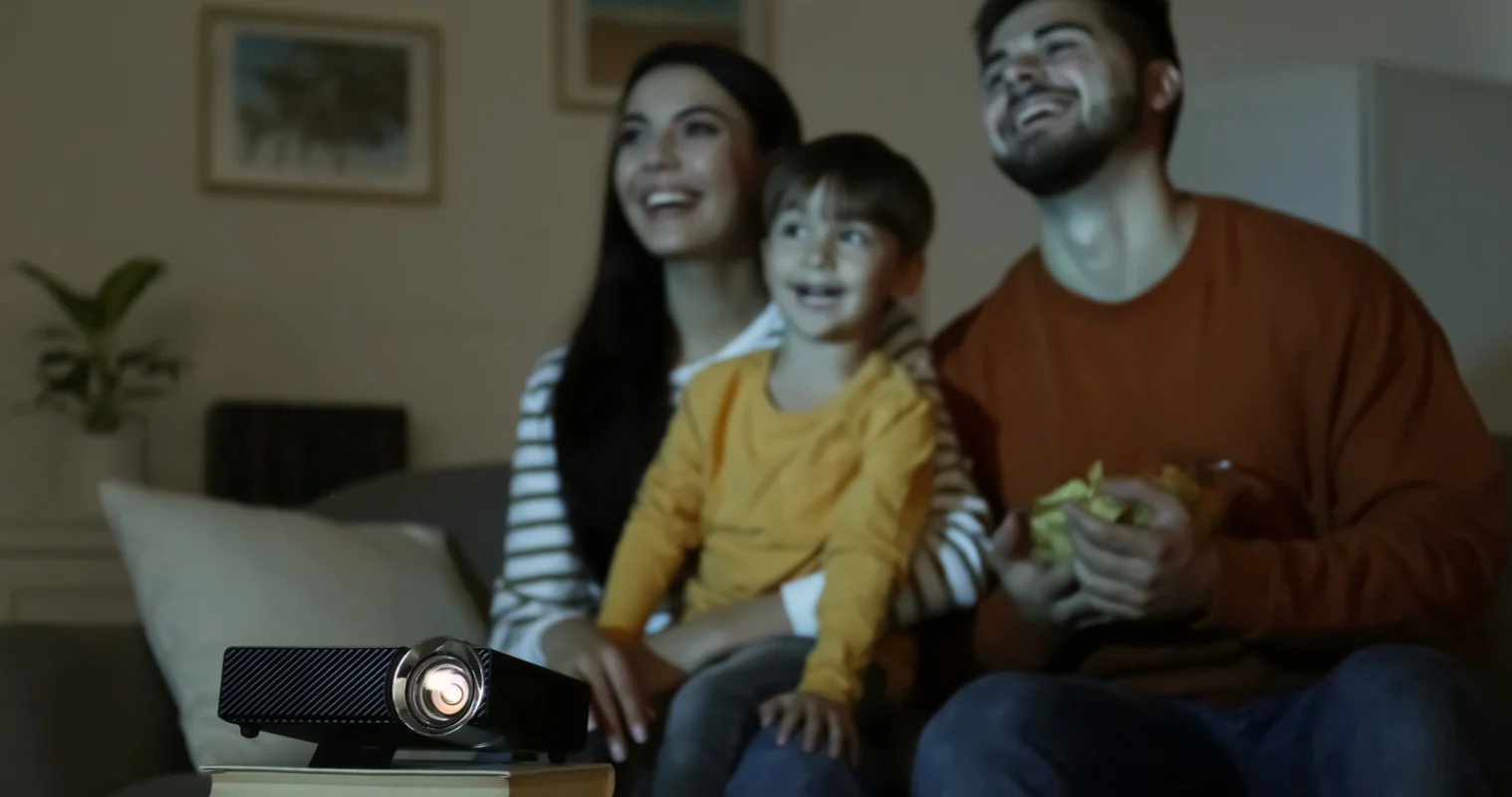
To help settle the debate in your household, tech reviewer and founder of Worth Buying Australia Jason Kukulka breaks down the specs, unpacks the installation tricks, and helps you decide: Is a projector better than a TV for a home cinema at your place?
“If most of your viewing is free-to-air television, sport and streaming during the day, a large TV is probably going to be the easier choice. If you love movies, can control the lighting and want that genuinely immersive big-screen experience, a projector can be fantastic.”
– Jason Kukulka, tech reviewer and founder of Worth Buying Australia
Can A Projector Replace A TV?
While massive televisions are increasingly affordable, many people still wonder if a projector is a viable replacement for the family room. According to Jason, it all depends on your environment.
“A projector relies on light reflecting off a screen, whereas a television produces its own light,” he explains. “Once daylight starts washing across that screen, contrast and black levels suffer pretty quickly. For everyday viewing, a premium television will generally give you better brightness, stronger HDR highlights and fewer compromises.”
Projectors shine when scaling past 100 inches for a dedicated cinematic feel without a giant black rectangle dominating the room. Jason’s advice? “Be realistic about how you’ll actually use it. If most of your viewing is free-to-air television, sport and streaming during the day, a large TV is probably going to be the easier choice. If you love movies, can control the lighting and want that genuinely immersive big-screen experience, a projector can be fantastic.”
Understanding Projector Types And How They Work
Projector Type | How It Works | Key Strengths | Best For |
DLP (Digital Light Processing) | Bounces light off millions of microscopic tilting mirrors on a chip, passing through a spinning colour wheel to project each frame onto a wall | - Razor-sharp definition - Deep blacks - Smooth motion handling - Compact, lightweight hardware | Action movie buffs, sports lovers, and console gamers after fast response times on a budget |
LCD (Liquid Crystal Display) | Splits white light into red, green and blue beams, directing each through its own LCD prism before recombining them into a single picture | - High colour brightness - Zero “rainbow effect” - Rich, natural tones | Family movie nights, and living rooms with light curtains |
Laser & Ultra Short Throw (UST) | Replaces traditional lamps with solid-state laser diodes, using wide-angle lenses to cast a 100-inch+ display from just centimetres away from the wall | - Instant on/off - Up to 20,000+ hours of lamp-free use - Extreme brightness - Sits directly on a standard entertainment unit | Living room TV replacement for everyday viewing without running cables across your ceiling; great for rentals |
Smart Portable Projector (LED) | Uses compact, energy efficient LED light modules paired with built-in Wi-Fi, streaming apps and integrated rechargeable batteries | - Ultra-lightweight - Runs cool and quiet - Long lamp life - Grab-and-go set-up with no extra cords needed | Backyard screenings, kids’ sleepovers, and taking the cinema over to a mate’s place |
Shop projectors


Projector Brightness, Throw Ratio And Resolution Explained
Getting the ultimate home cinema projector set-up boils down to three key specs:
Brightness: How many lumens do you need for a home projector? “For a living room with moderate ambient light and an image around 100 inches, I’d start by looking at projectors around 3000 lumens or higher,” says Jason. “A suitable ambient-light-rejecting screen can help too, but it won’t perform miracles against strong sunlight.”
Throw ratio: This determines how far back the projector must sit to fill your screen. Standard throw needs 3-4m of space for a 100-inch image – ideal for ceiling mounts. Short throw projectors cut that to 1-2m, while ultra short throw (UST) projectors sit just centimetres from the wall directly on your TV unit.
Resolution: When you’re blowing an image up to 100 or 120 inches, pixel density matters. While a 1080p (Full HD) projector is great for backyard movie nights and portable set-ups, a 4K projector is the gold standard for a dedicated home cinema – 4K delivers four times the pixels of standard HD, ensuring that sports broadcasts, next-gen gaming and blockbuster movies stay sharp rather than looking pixelated or soft around the edges.
Projector Set-up And Installation Considerations
Choosing between a massive TV and a home theatre projector depends on your space, lighting, and how much installation work you’re willing to take on.
Room Lighting And Glare Control
Projectors crave darkness. While high-lumen laser projectors can handle ambient light, washed-out colours are unavoidable unless you pair them with a dedicated Ambient Light Rejecting (ALR) screen or install blackout blinds.
Mounting, Cabling And Spatial Layout
Mounting a TV is straightforward. The trade-off is aesthetics – a giant black rectangle permanently dominates the room when powered off.
A traditional projector set-up demands more planning:
Ceiling mount projector: Requires secure anchoring into ceiling joists and running long power and HDMI cables through the ceiling cavity.
Throw alignment: Requires a clear line of sight between the lens and screen, which means low-hanging pendant lights or ceiling fans can become obstacles.
Retractable screens: Offer a clutter-free look, vanishing into the ceiling or a cassette when movie night wraps up.
Audio And Speaker Placement
Jason’s golden rule for audio? “Plan the sound system before you install the projector. People can spend thousands creating an enormous picture and then realise they’re relying on two little speakers sitting behind them... A soundbar below the screen can be a good practical solution. For a dedicated cinema, an AV receiver with properly positioned speakers gives you more flexibility.”
Common Projector Problems And How To Avoid Them
Nothing ruins movie night faster than a washed-out image or noisy cooling fan. Keep your home cinema running smoothly with these quick, practical projector fixes:
Faded, washed-out picture: Ambient light is usually the culprit. Close the blinds or upgrade to a high-brightness model with at least 2500 to 3000 ANSI lumens.
Overheating and loud fan noise: Dust build-up forces fans into overdrive. Give the unit at least 20cm of clearance from walls, and clean the air filter every few months
Blurry, distorted edges: Heavy digital keystone correction (when a projector auto-corrects a skewed image into a proper rectangle) degrades resolution. Align the projector dead-centre to your screen and use physical lens shifting instead. Run the projector’s auto-focus calibration if available.
Looking for a projector for your home cinema? You’ll find it in store or online at The Good Guys.
FAQs
Yes, modern gaming and laser projectors feature dedicated game modes with ultra-low input lag and high refresh rates, making them fantastic for fast-paced, big-screen console gaming.
They can, provided you choose a high-output model with at least 2500 to 3500 lumens and, ideally, pair it with an Ambient Light Rejecting (ALR) screen or closed blinds.
While a smooth white wall works for casual viewing, a dedicated projector screen dramatically improves sharpness, brightness and contrast.
Yes, an ultra short throw (UST) projector or portable smart projector placed directly on an entertainment cabinet – and paired with a floor-rising pull-up screen – gives you a massive display with zero wall drilling required.