ARTICLE
How to clean a TV screen safely and easily
Published Oct 23, 2026 • Updated Nov 17, 2026 - 6 min read
A dusty, fingerprint-smudged screen can take the shine off even the best picture quality, but cleaning your TV isn't as simple as grabbing the nearest spray bottle and paper towel. Today's LCD, OLED, QLED and Mini LED panels feature delicate coatings and ultra-thin glass that can be easily damaged by the wrong products or too much pressure. The good news? With the right tools and a gentle touch, keeping your screen spotless is quick and easy.
Key Takeaways
A microfibre cloth is the best cloth to clean a TV screen – never use supermarket glass cleaners, alcohol or paper towels, which might strip away delicate screen coatings.
Mist distilled water onto your cloth, never directly onto the screen, to stop stray drips from leaking behind the bezel.
Turn the TV off and let it cool down first so smudges are easy to spot and won’t dry into cloudy streaks.
Keep your touch feather-light – pushing too hard on modern OLED, QLED or Mini LED panels can easily bruise or crack the display.
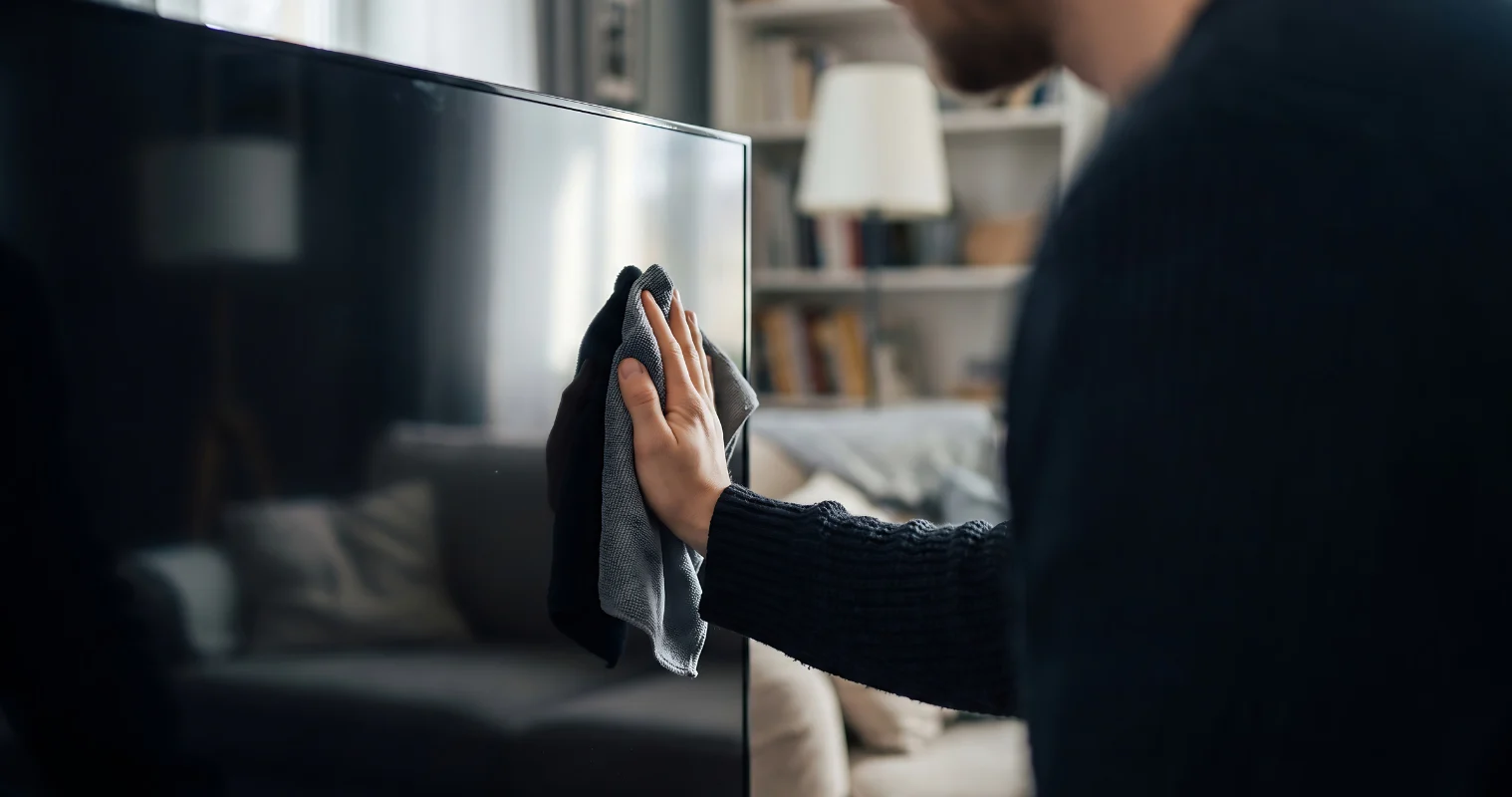
Can’t see your favourite drama series through the sticky fingerprints left by a toddler jamming to CoComelon? All TV screens need to be cleaned from time to time. But put down that glass cleaner spray because that shiny panel tech is delicate and needs a gentle touch, plus the right products – such as a microfibre cloth. Get it wrong, and you could cause some nasty damage and even void your manufacturer’s warranty.
Here’s the best way to clean your TV screen…
Why different TV screens need different cleaning methods
“Not all TV screens are made from the same material, so the way you care for them has to be specific to the screen tech you’re dealing with,” says Jason Tavoletti, The Good Guys Buyer – Audio Visual and Sound Bars.
“For example, modern TVs can have an anti-glare TV screen coating that can be stripped away by the wrong cleaning method. And then there are OLED, QLED and Mini LED screens, all of which are ultra-thin and will break if you apply too much pressure.”
Jason says it’s critical to check your TV User Manual for specific cleaning instructions and to understand your warranty conditions.
What to clean a TV screen with
Don’t overcomplicate it – in almost every case, a dry, lint-free microfibre cloth is all you’ll need to remove dust, fingerprints and smudges from the panel. Make sure you give the frame, cords and back of the TV a quick dust while you’re at it to keep the entire set in top condition.
“For stubborn smudges and fingerprints on the screen, you can dampen the cloth slightly with distilled water and wipe very gently – just make sure you spray the water onto the cloth and never directly onto the screen,” says Jason Tavoletti.
Alternatively, some brands such as Linsar produce TV screen cleaning kits with a non-toxic, alcohol- and ammonia-free formula that they say will help to lift everyday marks without streaks or residue.
Can I just use tap water to clean my TV screen, or do I need distilled water?
If you’re wondering how to clean a TV screen without streaks, this is the trick – use distilled water, particularly if you live in an area that uses hard water. This will avoid any residue and spots caused from mineral particles in regular tap water.
“The mineral content and impurities in tap water can also create microscopic abrasions or damage the delicate anti-glare and protective coatings on modern LED, QLED and OLED screens,” says Jason.
Shop TV Screen Cleaning Essentials at The Good Guys


Can I use Windex glass cleaner or alcohol wipes on my TV?
There are some absolute no-gos when it comes to giving your TV screen a spruce-up. These include:
Window and glass cleaners
Alcohols and solvents
Household sprays
Paper-based cloths
Coarse fabrics
Scouring tools.
How often should I clean my TV screen?
The short answer is as often as you feel is necessary for clear viewing. Families with kids and pets might find themselves cleaning the TV weekly to dust off dander and remove fingerprints.
“The best trick for keeping your TV screen clean is to keep the area around it clean. Static electricity on the screen will pull in any surrounding dust, so make sure your TV console is kept clean – and give the room a good regular vacuum and dust to keep airborne dust at a minimum,” says Jason Tavoletti. “Wall mounting your TV is a great way to avoid those little fingerprints too.”
How to clean an LCD, OLED, QLED, Mini LED or RGB Mini LED TV screen without damage
Display technology | Approved cleaning agents & tools | Panel-specific damage risk | Handling nuance |
LCD | Dry, lint-free microfibre cloth; light mist of distilled water applied strictly to cloth | Scratches across the soft polarising layer; fluid capillary draw into bottom bezel corroding tab-bonding ribbon cables | Avoid concentrated fingertip pressure; excess force causes liquid-crystal pooling and permanent optical “bruises”. |
Dry, lint-free microfibre cloth; light mist of distilled water applied strictly to cloth; second dry microfibre cloth to remove moisture immediately | Permanent clouding or rainbow hazing from stripped AR chemical coatings; micro-fractures in ultra-thin glass | Support the structural frame while wiping; the ultra-thin glass has no rigid backlight backing, making it vulnerable to flex-cracking. Clean only when cold. | |
Dry, lint-free microfibre cloth; specialised optical screen cleaner if required | Pressure-induced micro-bursting of the diffuser layer; fluid seeping into bottom chassis, shorting high-density local dimming matrix | Let the panel cool for 30 minutes before cleaning; thermal expansion makes hot coatings softer and prone to abrasion. Apply near-zero mechanical pressure and support the back of the ultra-thin panel when wiping smudges. |
Do I need to turn off or unplug my TV before cleaning it?
Yes. Always turn off and leave the TV to cool completely before wiping it down. It’s not strictly necessary to unplug it, but there’s no harm in it.
“It’s far easier to spot smudges, fingerprints and dust on a black screen, and cleaning a warm screen can cause any moisture on your cloth to evaporate too fast which can leave streaks,” says Jason Tavoletti.
How to safely clean a wall mounted TV
Just like you would for a TV displayed on a console, simply switch off the wall mounted TV, let it cool, then wipe it over with a dry or damp microfibre cloth. Grab a sturdy footstool to help you safely reach a high-mounted screen.
FAQs
Turn the TV off, let it cool down, then gently wipe the screen with a clean, dry microfibre cloth. If you’re dealing with stubborn sticky spots or fingerprints, lightly dampen a corner of the cloth with a little distilled water and wipe softly ‒ no heavy pressure required.
Yes, it definitely can. Manufacturer warranties don’t cover user-inflicted damage. If you strip the anti-glare coating with harsh chemicals (such as those in supermarket glass cleaners) or let liquid seep inside the frame, the repair or replacement costs will come out of your own pocket.
Never. Liquid runs down the glass fast, where it can easily seep behind the bottom bezel and short out the delicate internal wiring. Only use distilled water or screen cleaning products recommended by your TV manufacturer, and always spray or mist any liquid onto the cloth first – never directly onto the panel.
Find your perfect TV at The Good Guys. Visit us in store or online, and check out our TV Buying Guide to help find your next upgrade.
Find your perfect TV at The Good Guys. Visit us in store or online, and check out our TV Buying Guide to help find your next upgrade.