
ARTICLE
How To Use A Robot Vacuum (RoboVac)
Published Mar 13, 2026 • Updated Aug 19, 2026
A robot vacuum works best when it is docked correctly, fully charged, mapped carefully and used as a regular maintenance cleaner rather than a once-a-month shortcut. Getting the setup right, then running the right modes on schedule, is what keeps floors cleaner with less effort.
Key takeaways from this article
Place the dock on a clear hard surface against a wall for reliable charging.
Fully charge the robot before its first map and keep the first run supervised.
Use the app to set rooms, no-go zones and schedules after the map settles.
Vacuum often for upkeep, and use mopping only on suitable hard floors with approved liquids.
For pet homes, scan floors first and stop immediately if the robot contacts waste.
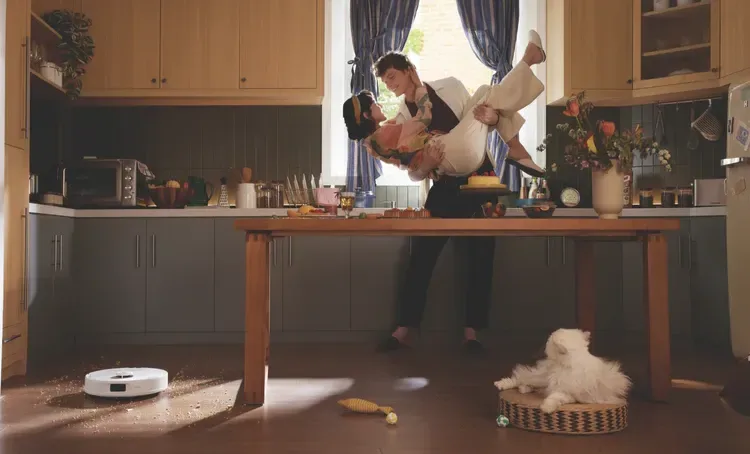
Whether you’ve bought your first robovac or you’re comparing robotic vacuum cleaners to determine your next upgrade, the goal is the same: cleaner floors with less effort. Robot vacuums work best when the dock is placed properly, the first map is done carefully, and the cleaning schedule suits your home. The Good Guys' vacuum buying guide also makes this key point: robot vacuums perform best as smart, scheduled maintenance cleaners, not as a once-a-month replacement for other floorcare tools, so understanding how best to use these fantastic time savers goes beyond ‘reading the manual’ (although you must do that too!).
In short, you should fully charge the robot, connect it to the right Wi‑Fi band, let it build a clean map, and run it often enough that dust, fur and crumbs never get the chance to pile up. Models with smart mapping, self-emptying docks, mopping and anti-tangle features can reduce hands-on work even further, especially in pet homes.
First-Time Robovac Setup Checklist
A robotic automatic vacuum cleaner should begin with a simple unboxing check: confirm you have the robot, dock, power cable, filters, side brush or brushes, mop parts if included, and the manual. For Australian homes, use the supplied dock and cable only, place the dock on a dry indoor wall outlet, and keep the first run supervised if your home has unusual thresholds, open stair edges or tricky rugs. Robot vacuums rely on accurate docking and uninterrupted charging to clean well, so setup matters more than most first-time owners expect.
For dock placement, keep it against a wall on a hard surface with open space around it. iRobot and Roborock both recommend roughly 0.5 metres of clearance on each side, with iRobot recommending about 1.2 metres in front and Roborock about 1.5 metres in front. Check your brand's recommendations for best results. Avoid direct sun, mirrored surfaces right in front of the dock, and thick carpet under the base if the brand advises against it.
Before the first clean, charge the robot fully. Many guides put the initial charge at about 3 to 5 hours, and ECOVACS also recommends a full charge before first use. Once charged, run a mapping or learning clean before you start setting room routines. On that first pass, the robot will usually move more slowly, hug edges, scan furniture and doorways, then build a map you can edit later with room names, zones and no-go areas.
App pairing is usually straightforward: download the manufacturer app, create an account, power on the robot, then follow the prompts. The most important detail is Wi‑Fi compatibility. Many robot vacuums still require a 2.4 GHz network or a mixed 2.4/5 GHz network for setup, including many ECOVACS and Roborock models. Check your user manual for your product requirements. Confirm the robot appears in-app and finish the first map before building routines.
Daily Use & Scheduling
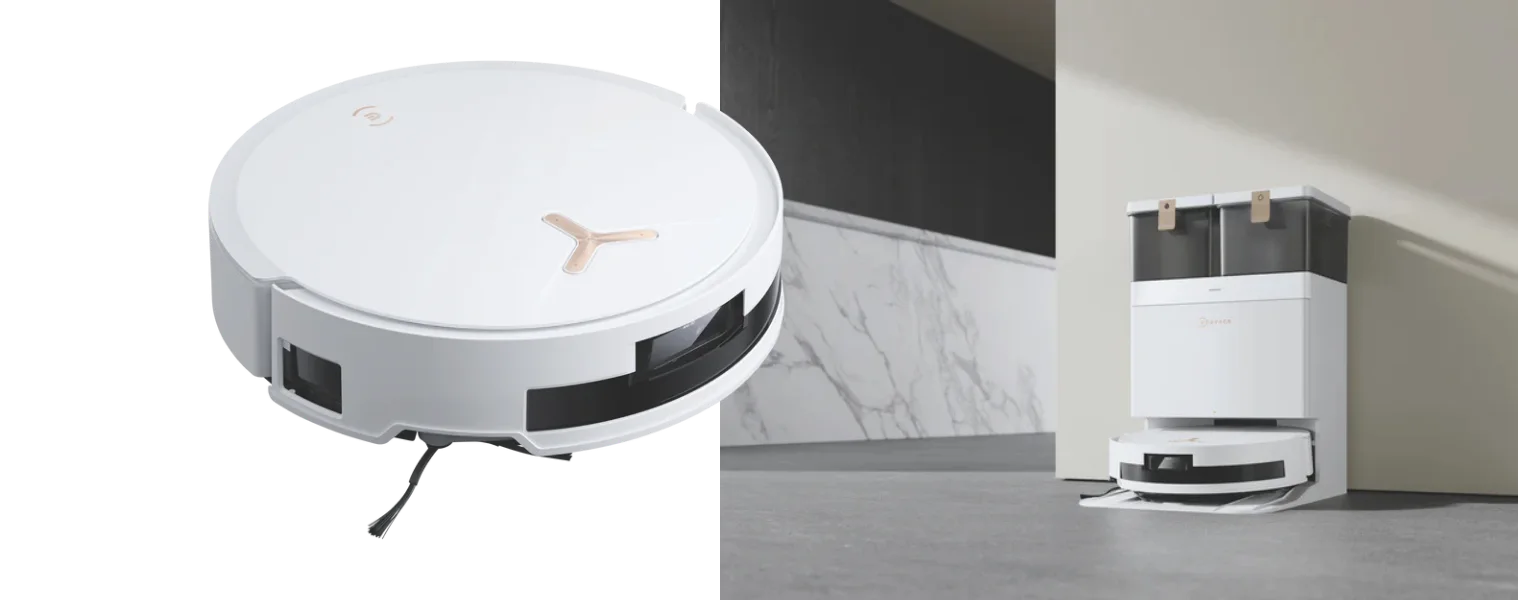
An automated vacuum works best when you match the mode to the mess. Auto or standard mode is your everyday setting for whole-home upkeep. Spot mode is useful for crumbs near the kitchen table, litter around the tray, or muddy paw prints near the back door. Edge mode is best when skirting boards, corners and room perimeters collect fluff. On carpet, higher suction or carpet boost helps with embedded dust and fur, but it also uses more battery, so reserve maximum power for the rooms that need it most.
Scheduling is where robot vacuums earn their keep. Wi‑Fi control makes it easy to schedule cleans, set zones and start jobs remotely, while map tools in models from brands such as ECOVACS, let you back up maps, restore them and add virtual walls. For pet owners, a robot vacuum usually works best on a daily schedule such as after breakfast, school drop-off or during the evening dog walk, when floors are clear and the house is a little quieter. For busy households you can consider splitting routines by zone, such as doing your hard floors daily and bedrooms every second day.
TIP! A super quick two-minute pre-run tidy can save a lot of frustration. Pick up charging cables, socks, LEGO, pet toys and light bath mats. Open the doors you want mapped. If your robot struggles with one threshold or rug fringe, use a no-go zone, boundary strip, physical gate or a quick supervised “teaching run” until the map is stable. It’s also recommended to supervise the first few cleans so you can catch problem areas early instead of after the robot gets wedged under a chair!
Cleaning Types: Vacuuming vs Mopping
Robot vacuums are strongest on hard floors and low to medium-pile carpet. They do work really well on carpet, with many models automatically lifting suction when they reach rugs or carpeted zones. For homes with mostly tile, timber or hybrid flooring, vacuum-mop combos are often enough for day-to-day maintenance. Just be sure to check your timber or hybrid flooring is suitable for mopping and adjust your mapping or modes accordingly. For heavier wet cleaning, though, dedicated robot mops can outperform hybrid units.
If you’re upgrading from an older robot vac model one of the biggest advantages on newer mapping models is room-by-room control. That means you can vacuum the whole home, then mop only hard-floor zones. This matters because mop attachments are most suitable for light daily grime, not soaked spills, oily residues or anything sticky that really needs a manual scrub. Premium models may lift mop pads on carpet transitions, but it is still smart to set no-mop zones for rugs you care about.
When mopping, use water only unless the manufacturer explicitly approves a cleaning solution and check your user manual to see if the manufacturer requires a particular approved brand of floor cleaner to avoid corrosion or damage. In short, always follow the manual exactly rather than assuming a general floor detergent is safe.
A sensible routine for most Australian homes is vacuum-only runs several times a week, with mop-assisted cleans one to three times weekly on hard floors depending on foot traffic, pets and how much outdoor dirt gets tracked in. Robot vacuum + mop combos are excellent for maintenance, but they still work best alongside a stick, barrel or upright vacuum for stairs, corners, upholstery and deeper seasonal cleans.
Troubleshooting: Step-by-Step Fixes
No power
If the robot will not start, begin with the basics: check the outlet, confirm the dock has power, make sure the battery has charged, then reboot the robot before trying anything more drastic. iRobot says a reboot can be done by holding the button for about 10 seconds on many models, while ECOVACS says to verify power, place the robot on the station, and clean the charging contacts on both the dock and the robot if charging fails. Factory reset is always the last step, not the first, because it can wipe saved data and force you to set everything up again.
Mapping Fails
If mapping fails, gets skewed or stops at a doorway, start by opening all doors, cleaning navigation sensors, and remapping from the dock. ECOVACS notes that strong direct light, reflective objects, high thresholds and dark floors can all interfere with mapping, and that incomplete or overlaid maps can often be fixed by remapping or restoring a saved map in Map Management. If your robot regularly “sees” a room through glass but cannot enter it, keep-out zones or map edits may be the easiest fix.
Stuck
When the robot gets stuck on cords, brush fringes or thresholds, solve the environment first. Tape or lift loose cords, tuck rug tassels under, and use low-profile ramps where a lip is just a bit too high. For doorway issues, virtual walls are often better than repeated rescue missions. If the robot is docking badly, relocate the dock to a clearer wall-backed position and wipe the front sensor area and dock signal area clean.
Loss of suction
Loss of suction usually comes down to one of four things: hair wrapped around the main brush, blocked air pathways, a full bin, or a dirty filter. To clean robot vacuum rollers, remove tangled hair, inspect the brush ends, clear the intake path and check the filter before assuming the motor is failing. If your model has a self-empty dock and the robot still finishes jobs with a packed bin, inspect the dock for blockages too. Consult your user manual for key troubleshooting assistance - and if you need to contact support make sure you gather the error code, a photo or video of the fault and map screenshots to make your call easy.
Handling Pet Accidents & Biological Hazards
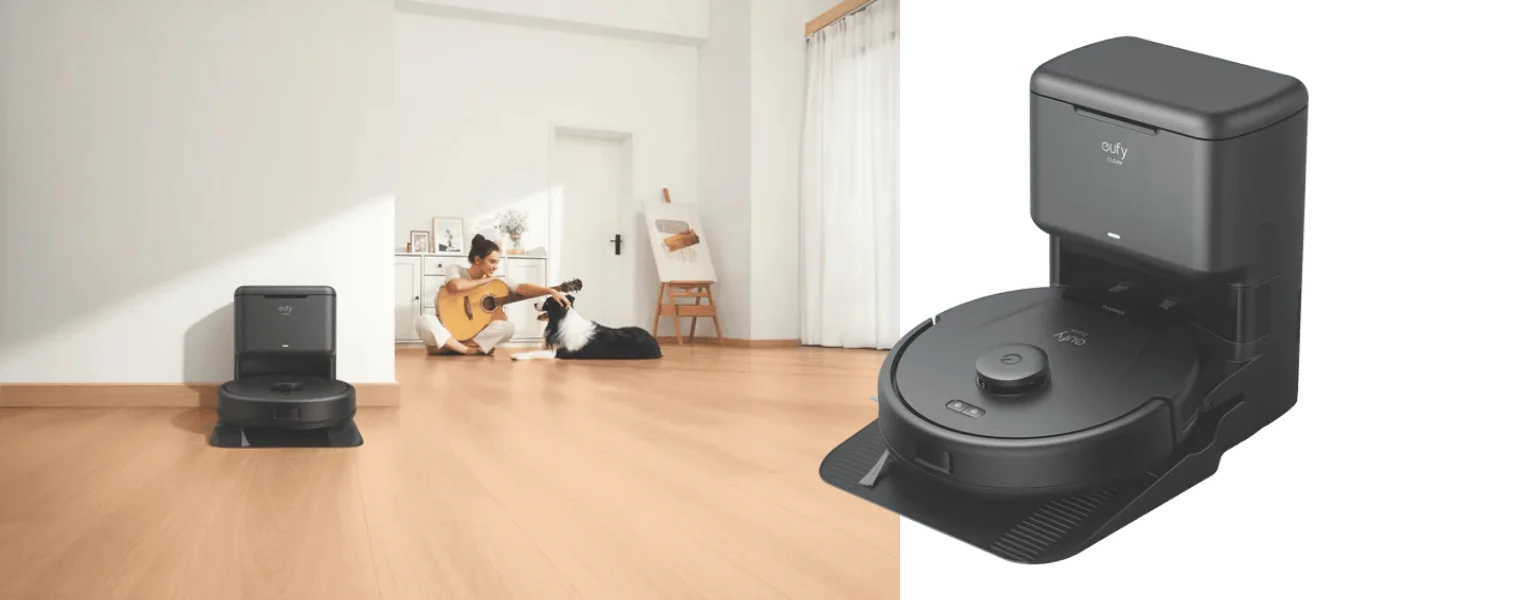
Pet owners should schedule around real life, not the app’s default timer. Run the robot after the backyard break, after litter-box checks and after a quick visual scan of the floor. ECOVACS is very clear that even advanced obstacle avoidance and pet-waste detection are not a 100% guarantee, so prevention is still the safest strategy. Use no-go zones for pet feeding areas, puppy pads and litter stations if those spaces are a little unpredictable!
If the robot runs over pet waste, stop it immediately and do not let it continue spreading contamination. Put on disposable gloves, unplug the dock if needed, remove the dustbin, brushes and mop pads, and isolate anything that is contaminated. Best practice: using gloves, remove visible waste, clean the area with detergent and water, then disinfect with a suitable product according to the label. Make sure the space is ventilated, it’s a good idea to open any windows and be sure to wash your hands after glove disposal.
For the robot itself, clean only the removable parts the manual allows you to wash. Anything porous, heavily soiled or impossible to sanitise properly may need replacing, especially filters, mop pads or brush covers. Bag the waste securely before binning it, and do not reinstall damp components until they are fully dry.
In pet homes, it’s a good idea to step up your maintenance routine, empty the bin more often, clean brushes weekly, wash mop pads after use, and look for strong filtration if dander is a big concern. Models with anti-tangle brushes, strong suction and HEPA-style filtration as useful features for homes with pets.
Battery Care & Long-Term Maintenance
Most robot vacuum batteries gradually lose capacity over time, and that is normal. The practical takeaway is: you may expect some decline, especially in large homes, high-suction carpet cleaning, or daily pet-hair routines, over time.
For best life, keep the robot on its dock when in regular use, avoid storing it flat for months with a low battery, and keep it out of extreme heat or cold. Also keep the app and firmware updated, because brands like iRobot and Roborock push performance, mapping and stability fixes through their apps.
When it is time to replace the battery, use an authorised part or service provider where possible. The best robotic automatic vacuum cleaner may not be the one with the most features on paper; it is the one you can keep charging, cleaning and maintaining consistently for years.
You may also be interested in:
FAQs
Can I use detergent in the robot mop?
Only if the manufacturer specifically says yes. Some brands say water only, while others allow only their own approved solution. Using the wrong liquid can cause corrosion, foaming, residue build-up or warranty issues.
How often should I empty the dustbin?
For a standard model, check it after each run and empty it once it is getting full; in pet homes, that may be every run. With self-empty docks, manual emptying often stretches to weekly or monthly depending on how much hair and debris your home produces.
My robot won’t map past a doorway, what now?
Open the door fully, clear floor clutter, clean the sensors, and retry a fresh map from the dock. If the doorway has a high lip, strong sun, dark flooring or reflective glass nearby, those can all interfere. Use a virtual wall or threshold workaround if the area remains unreliable.
Is camera mapping safe from hackers?
Usually safer than people assume, but not risk-free. The safest approach is to read the privacy settings, keep firmware current, use a strong unique password, and choose brands with clear data-security documentation.
How long do robot vacuum batteries last?
A good benchmark is around 2 to 3 years before noticeable decline, although heavy use, hot conditions, max-suction cleaning and poor storage habits can shorten that. The first signs are shorter runtimes, more frequent recharge-and-resume cycles and longer charging behaviour than usual.
For more information on Robot Vacuums
Ready to join the robot vac revolution?
If you’re after the best robot vacuum and mop for your home, you’ll find it at The Good Guys. Don’t forget to check out the range of vacuums, cleaning products, attachments and vacuum deals that will help keep your home clean from top to bottom.